
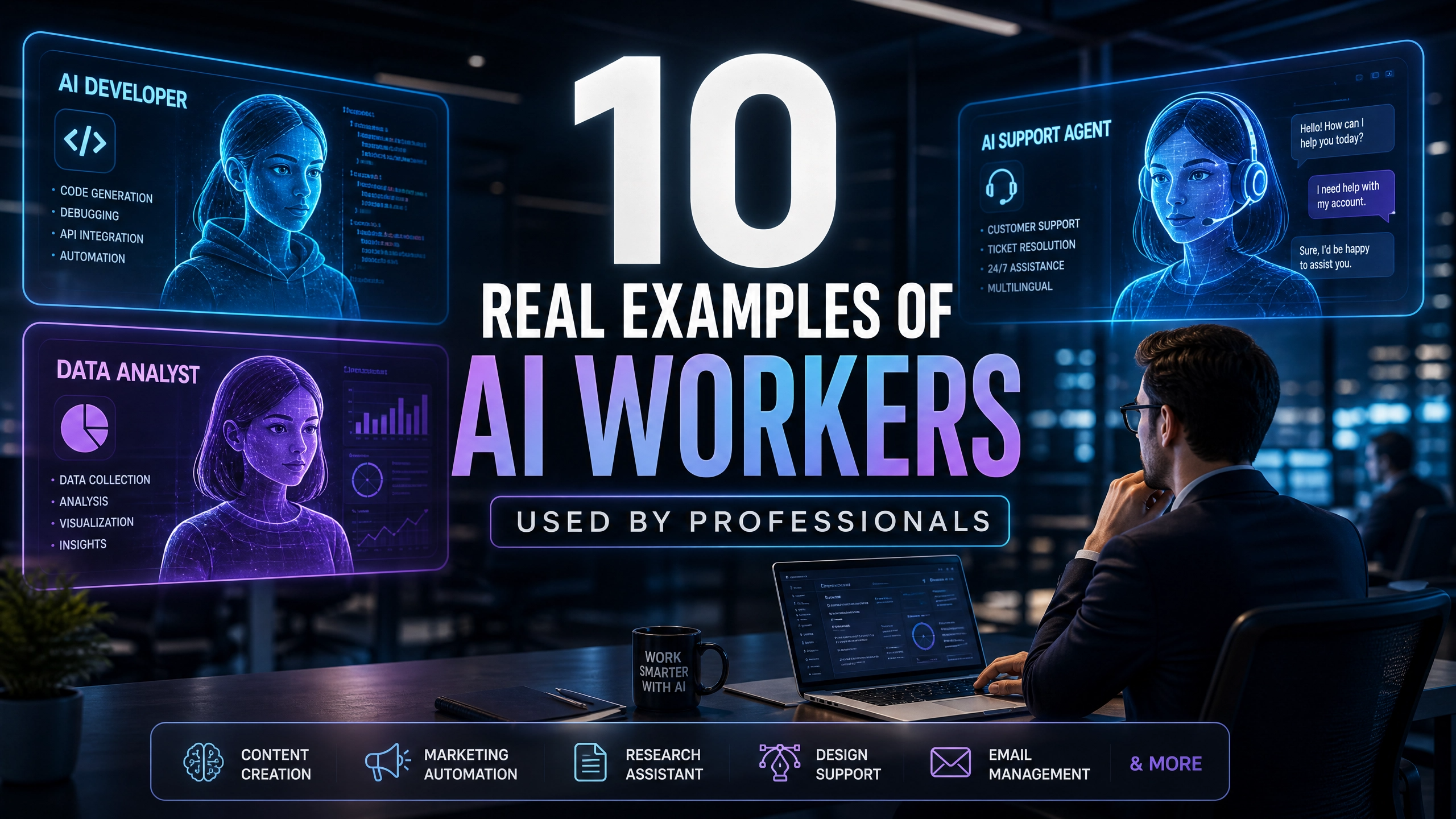
Discover 10 real examples of AI workers used by professionals across finance, recruiting, customer support, operations, and sales to automate workflows and reduce repetitive work.
Editor’s Pick: Aiwork provides specialized AI Workers for investment analysis, accounting, hiring, customer service, and reporting. These digital co-workers handle the work and execution, while you retain the judgment and control. They do the work. You make the call.
Key Takeaways
- Businesses are using AI workers to automate repetitive tasks across recruiting, finance, customer support, operations, HR, and reporting.
- Companies are increasingly deploying specialized AI workers rather than relying solely on general-purpose AI chatbots.
- AI workers help teams manage workflows, summarize information, coordinate tasks, and improve operational efficiency.
- Most organizations still rely heavily on human oversight for approvals, compliance, and strategic decisions.
- Real AI workers are already being used inside platforms like Salesforce Einstein, Rippling, UiPath, Glean, and Aiwork.
Businesses are not adopting AI workers because they want futuristic automation for the sake of it.
Most are doing it because operational work has become overwhelming.
Recruiters spend hours screening resumes and coordinating interviews. Sales teams manually update CRM records after meetings. Finance analysts monitor endless earnings reports and market updates. Operations teams chase approvals across fragmented systems.
This is where AI workers are starting to reshape professional workflows.
Unlike traditional chatbots that mainly answer questions, AI workers are designed to perform structured operational roles inside business environments. They help teams manage workflows, process information, generate summaries, automate reporting, and reduce repetitive administrative work across departments.
The shift is already happening across finance, recruiting, customer support, HR, sales, and operations.
Here are 10 real examples of AI workers professionals are already using today.
Salesforce Einstein Helping Sales Teams Maintain CRM Records
Salesforce Einstein acts as an AI CRM worker inside Salesforce environments.
Sales teams spend large amounts of time updating CRM records after customer calls, demos, and meetings. Einstein helps automate parts of this process directly inside sales workflows.
How Sales Teams Use It
Sales teams use Salesforce Einstein to:
- Generate meeting summaries
- Update CRM records automatically
- Identify follow-up actions
- Forecast pipeline activity
- Organize account information
Real Workflow Example
After a customer call, Einstein can summarize the discussion, update opportunity records, and recommend next steps before the sales rep manually enters notes.
This allows sales teams to spend more time building customer relationships and less time on repetitive administrative updates.
Orion Insights Helping Finance Teams Analyze Global Stocks
Orion Insights functions as an AI finance research worker designed to support investment analysis workflows.
Finance analysts review enormous amounts of market data every day, including earnings reports, analyst commentary, SEC filings, and sector performance.
How Finance Teams Use It
Finance professionals may use Orion Insights to:
- Summarize earnings reports
- Compare company performance
- Monitor sector trends
- Organize research findings
- Analyze market developments
Real Workflow Example
A portfolio manager preparing for a morning investment meeting may use Orion Insights to review overnight earnings developments affecting healthcare or technology stocks before discussing allocation decisions with the team.
This reduces repetitive information processing across investment workflows.
Rippling Supporting Recruiting and HR Workflows
Rippling functions as an AI-supported workforce and HR operations platform.
Recruiting and HR teams often manage repetitive coordination tasks across onboarding, payroll, hiring, compliance, and employee operations.
How HR Teams Use It
HR teams may use Rippling to:
- Automate onboarding workflows
- Manage employee records
- Organize hiring processes
- Track compliance tasks
- Streamline workforce management
Real Workflow Example
A fast-growing company hiring employees across multiple departments may use Rippling to automatically set up onboarding workflows, employee accounts, payroll access, and device management from one system.
This reduces repetitive HR coordination while improving workflow consistency.
Hermes X Monitoring Real-Time Market Activity
Hermes X acts as an AI market monitoring worker for finance professionals.
Analysts often struggle to monitor breaking developments across multiple financial sources throughout the trading day.
How Finance Professionals Use It
Teams may use Hermes X to:
- Monitor unusual stock activity
- Receive volatility alerts
- Track market developments
- Monitor sector-wide changes
- Identify breaking financial events
Real Workflow Example
A hedge fund analyst following semiconductor stocks may receive alerts when major supply chain developments begin affecting multiple companies across the sector.
This helps finance teams react faster to changing market conditions.
UiPath Automating Repetitive Operational Workflows
UiPath is one of the most widely used enterprise workflow automation platforms.
It functions as an AI workflow worker designed to automate repetitive operational processes across business environments.
How Operations Teams Use It
Businesses use UiPath to:
- Automate invoice processing
- Streamline approvals
- Support customer service workflows
- Reduce repetitive data entry
- Automate internal business tasks
Real Workflow Example
A finance department may use UiPath to process recurring invoice approvals automatically instead of manually transferring information between spreadsheets and accounting systems.
This helps organizations improve efficiency while reducing repetitive manual work.
Freddie HR Helping Recruiters Manage Hiring Pipelines
Freddie HR functions as an AI recruiting coordinator that supports hiring workflows and HR operations.
Recruiters often spend hours organizing applications and coordinating hiring pipelines manually.
How Recruiting Teams Use It
Recruiting teams may use Freddie HR to:
- Organize applicants
- Summarize candidate profiles
- Track hiring progress
- Coordinate interviews
- Manage HR workflows
Real Workflow Example
A recruiting team hiring customer support staff across multiple regions may use Freddie HR to organize applicants automatically based on qualifications before the recruiter review begins.
This helps reduce repetitive administrative workload across hiring workflows.
Glean Helping Teams Organize Internal Knowledge
Glean acts as an AI workplace knowledge worker that helps businesses organize internal information.
Large organizations often struggle with fragmented knowledge spread across Slack, Google Drive, Notion, Jira, and internal documentation systems.
How Teams Use It
Teams use Glean to:
- search internal company knowledge
- summarize documents
- retrieve workplace information
- Organize internal research
- improve information accessibility
Real Workflow Example
An employee searching for product documentation across multiple systems can use Glean to retrieve summarized information instantly instead of manually searching disconnected tools.
This helps businesses reduce information friction across internal workflows.
Saras Reports Generating Structured Business Reports
Saras Reports acts as an AI reporting worker that helps businesses generate structured reports and presentations at scale.
Managers often spend hours manually compiling executive updates, KPI summaries, and operational reports every week.
How Teams Use It
Businesses may use Saras Reports to:
- generate executive summaries
- create KPI reports
- summarize operational updates
- Organize workflow activity
- build recurring presentations
Real Workflow Example
An operations manager preparing weekly leadership updates may use Saras Reports to automatically compile departmental updates into a structured presentation before executive meetings.
This reduces repetitive reporting workload across teams.
Devin AI Supporting Software Engineering Workflows
Devin AI functions as an AI engineering worker that supports software development workflows.
Engineering teams spend large amounts of time debugging code, reviewing pull requests, updating documentation, and managing repetitive development tasks.
How Engineering Teams Use It
Developers may use Devin AI to:
- Generate code suggestions
- Analyze repositories
- Debug issues
- Support documentation workflows
- Automate repetitive engineering tasks
Real Workflow Example
A software engineering team maintaining multiple applications may use Devin AI to analyze bug reports and generate debugging suggestions before developers begin manual review.
Human engineers still manage architecture, security, and deployment decisions, but repetitive engineering work becomes easier to handle.
Luca Accounts Automating Accounting Workflows
Luca Accounts functions as an AI accounting worker focused on financial operations and reporting workflows.
Finance operations teams often manage repetitive accounting coordination across reporting cycles, reconciliations, and internal financial reviews.
How Finance Teams Use It
Finance teams may use Luca Accounts to:
- Organize accounting records
- Automate reporting workflows
- Support reconciliations
- Track financial updates
- Maintain reporting consistency
Real Workflow Example
A finance team preparing month-end reporting may use Luca Accounts to organize accounting updates across multiple systems before leadership review meetings.
This improves efficiency while reducing repetitive financial coordination work.
Why Businesses Are Deploying Multiple AI Workers
Specialized AI Workers for Different Business Functions
Most companies are no longer relying on a single AI system to manage every workflow across the organization.
Instead, businesses are deploying specialized AI workers designed for different operational responsibilities. Finance teams may use AI workers for market analysis and reporting, while HR departments focus on onboarding and workforce management. Sales teams use AI-powered CRM workflows, and operations teams automate approvals, documentation, and internal coordination.
Common areas where businesses deploy AI workers include:
- Finance and reporting
- HR and recruiting
- Customer support
- Sales operations
- Workflow automation
- Internal knowledge management
This approach gives organizations more flexibility while allowing each department to use AI systems built around its specific workflows and operational needs.
Connected AI-Supported Workflows Across Teams
Many businesses now use multiple AI workers together as part of connected operational systems.
For example, a company may use:
- Salesforce Einstein for CRM workflows
- Rippling for HR operations
- UiPath for workflow automation
- Glean for internal knowledge management
- Orion Insights for financial analysis
- Saras Reports for recurring business reporting
Instead of operating as isolated tools, these AI workers support different stages of execution across departments simultaneously. This helps businesses improve coordination, reduce repetitive workload, and maintain better operational visibility across teams.
Human Oversight Still Matters
AI Workers Still Need Human Supervision
Even as businesses automate more workflows, human oversight remains essential.
AI workers can process information, organize workflows, generate reports, and automate repetitive tasks, but professionals remain responsible for:
- approvals
- compliance
- leadership
- customer relationships
- strategic decision-making
- operational governance
Most organizations still rely on human teams to validate outputs, handle exceptions, and make high-level business decisions that require judgment and accountability.
AI Workers Are Designed to Support Teams
For most businesses, the goal is not fully autonomous operations.
AI workers are primarily being used to reduce repetitive administrative work so employees can spend more time on:
- strategy
- analysis
- communication
- creative problem-solving
- relationship management
The companies that most successfully adopt AI workers are usually the ones that combine automation with strong human supervision and clearly defined operational workflows.
FAQs
What are AI workers?
How do AI workers differ from chatbots?
What industries are adopting AI workers the fastest?
Are AI workers replacing employees?
Why are businesses deploying multiple AI workers?
Conclusion
AI workers are no longer experimental concepts or futuristic ideas.
Businesses are already using platforms like Salesforce Einstein, Rippling, UiPath, Glean, Devin AI, Orion Insights, Hermes X, Freddie HR, Saras Reports, and Luca Accounts to support real operational workflows across finance, recruiting, reporting, customer support, HR, engineering, and sales environments.
The biggest shift happening right now is not fully autonomous AI replacing entire companies overnight.
It is businesses quietly integrating specialized AI workers into structured workflows where repetitive coordination, reporting, monitoring, and administrative tasks can be automated while human professionals continue focusing on leadership, strategy, oversight, and decision-making.
As operational complexity continues growing, organizations that successfully combine human expertise with AI-supported workflows may gain a significant advantage in productivity, scalability, and long-term operational efficiency.